Logo

Restaurant POS Management System

Simplify restaurant operations with fast order processing, point of sale billing, menu management, inventory tracking, sales monitoring, and comprehensive business reports.
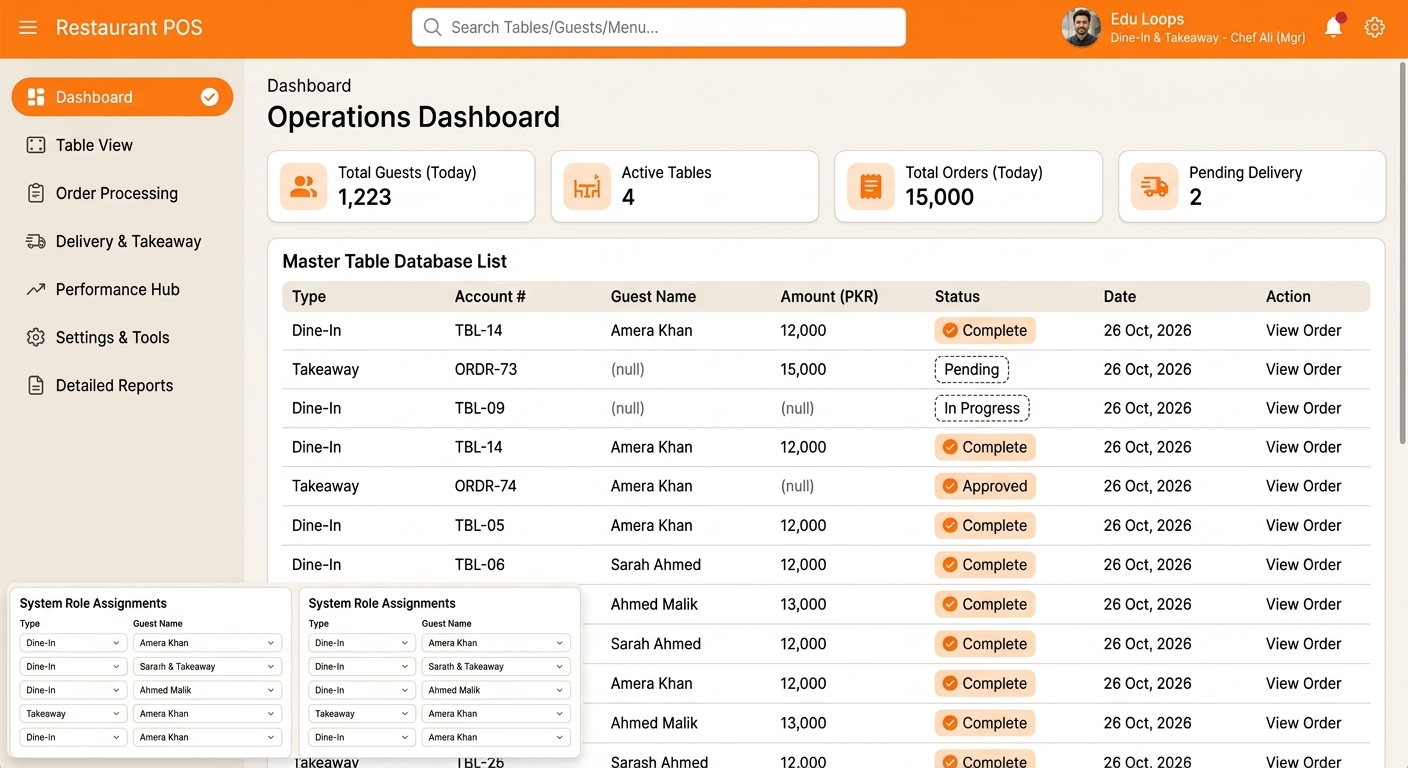
Restaurant POS Management System Dashboard
Services:
POS & Billing
Industry:
Restaurant & Food Services
Timeline
2 Weeks

The Challenge

Managing restaurant operations manually can slow down order processing, create billing errors, and make it difficult to track sales and stock levels. Restaurants need a centralized POS system to manage orders, maintain menu information, process customer bills, and monitor daily business performance.

  • Slow manual order taking and billing processes
  • Difficulty managing menu items and prices
  • Manual calculation of customer bills
  • Limited visibility into daily sales and revenue
  • Difficulty monitoring inventory and stock levels
  • Time-consuming preparation of sales reports

The Solution

The Restaurant POS Management System brings order processing, billing, menu management, and sales monitoring into one organized platform. Restaurant staff can record customer orders, generate bills, manage menu items, track sales, and review business reports. Inventory management and user access controls help keep daily restaurant operations organized.

Key Features

Everything restaurants need to manage orders, billing, menu items, inventory, and sales through a single point of sale system.
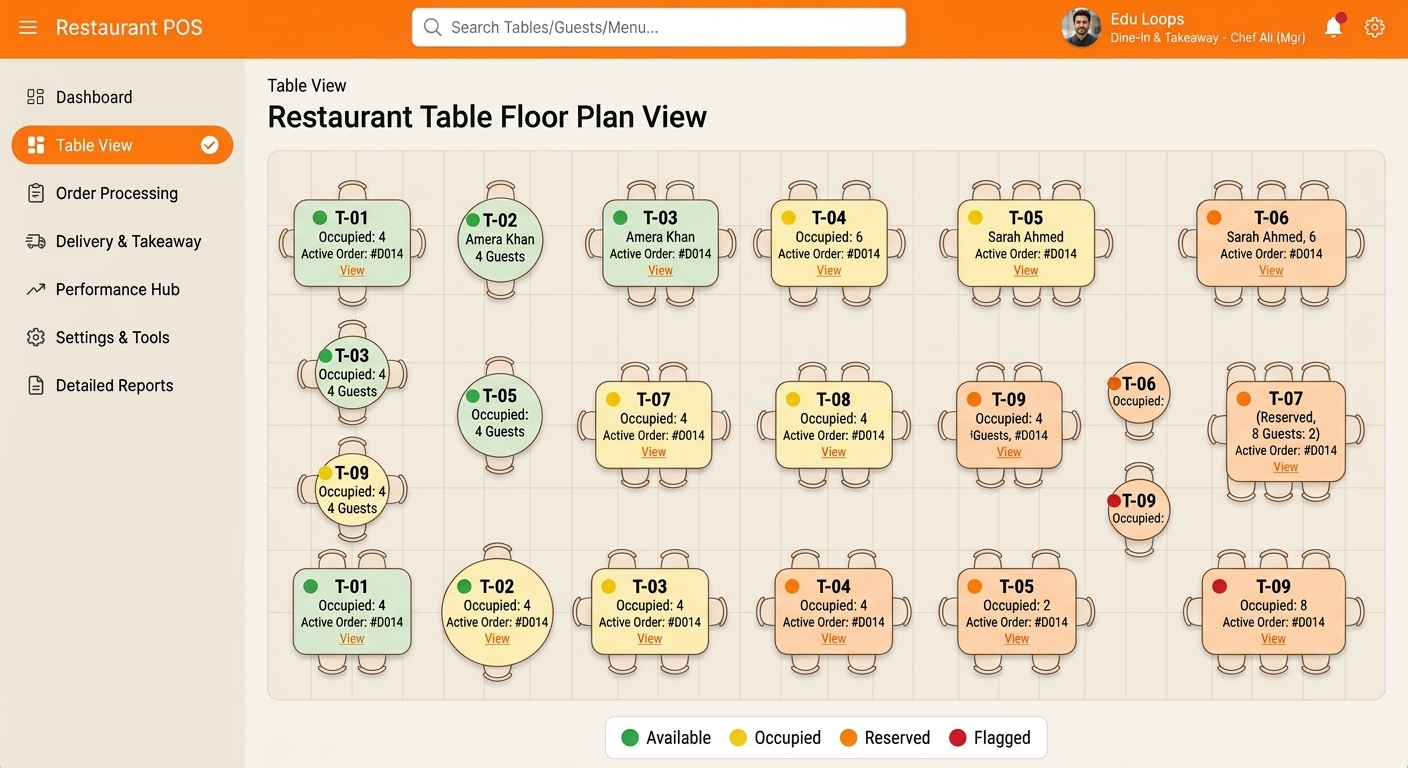
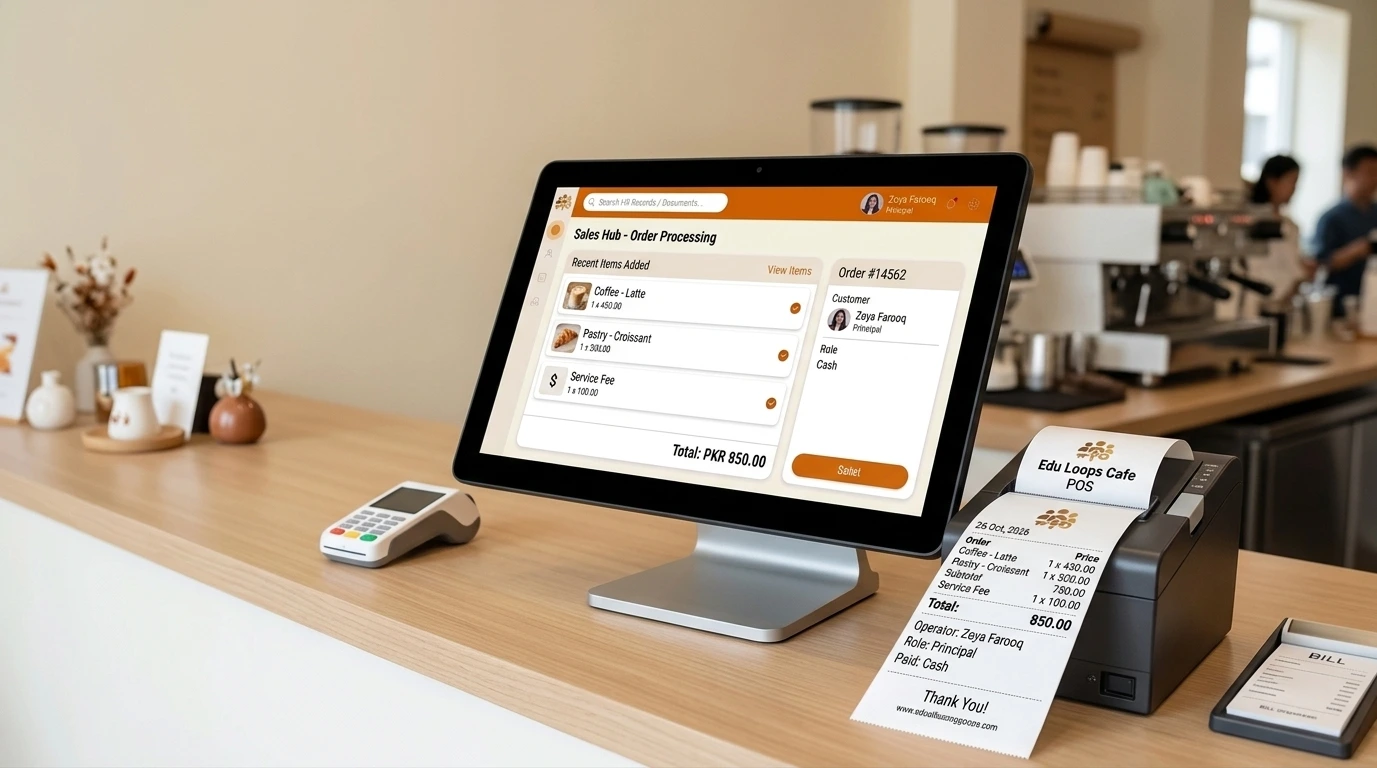
1. Point of Sale & Billing

  • Process customer orders through the POS interface
  • Generate bills based on selected menu items and prices
  • Calculate order totals for faster billing
  • Maintain transaction and sales records

2. Restaurant Order Management

  • Record and manage customer orders
  • Organize order items and quantities
  • Review order details during billing
  • Keep restaurant order records organized

3. Menu & Price Management

  • Add and update menu items
  • Manage item categories and prices
  • Maintain organized menu information
  • Update menu details when required

4. Inventory & Stock Management

  • Maintain inventory and stock records
  • Monitor available stock levels
  • Organize product and inventory information
  • Support stock monitoring for restaurant operations

5. Sales & Financial Reports

  • Review daily sales and transaction records
  • Monitor sales totals and business performance
  • Maintain organized billing records
  • Generate reports to support business decisions

6. Staff & System Management

  • Organize access to POS system functions
  • Support staff workflows for order taking and billing
  • Maintain centralized restaurant records
  • Keep daily operations organized through one system

Benefits for Restaurants

By bringing order processing, billing, menu management, inventory, and sales information together, the system helps restaurants reduce repetitive manual work, organize daily operations, and improve visibility into business performance.

  • Faster order processing and customer billing
  • Organized menu and pricing management
  • Centralized sales and transaction records
  • Better visibility into inventory and stock levels
  • Easier review of daily sales performance
  • More organized restaurant operations

Simplify Restaurant Operations with One Powerful POS System.

Explore how order processing, billing, menu management, inventory tracking, and sales reporting can work together in one organized restaurant management system.

Request a Demo

Explore Key Features

Discover the tools that help restaurants manage orders, billing, inventory, and sales more efficiently.
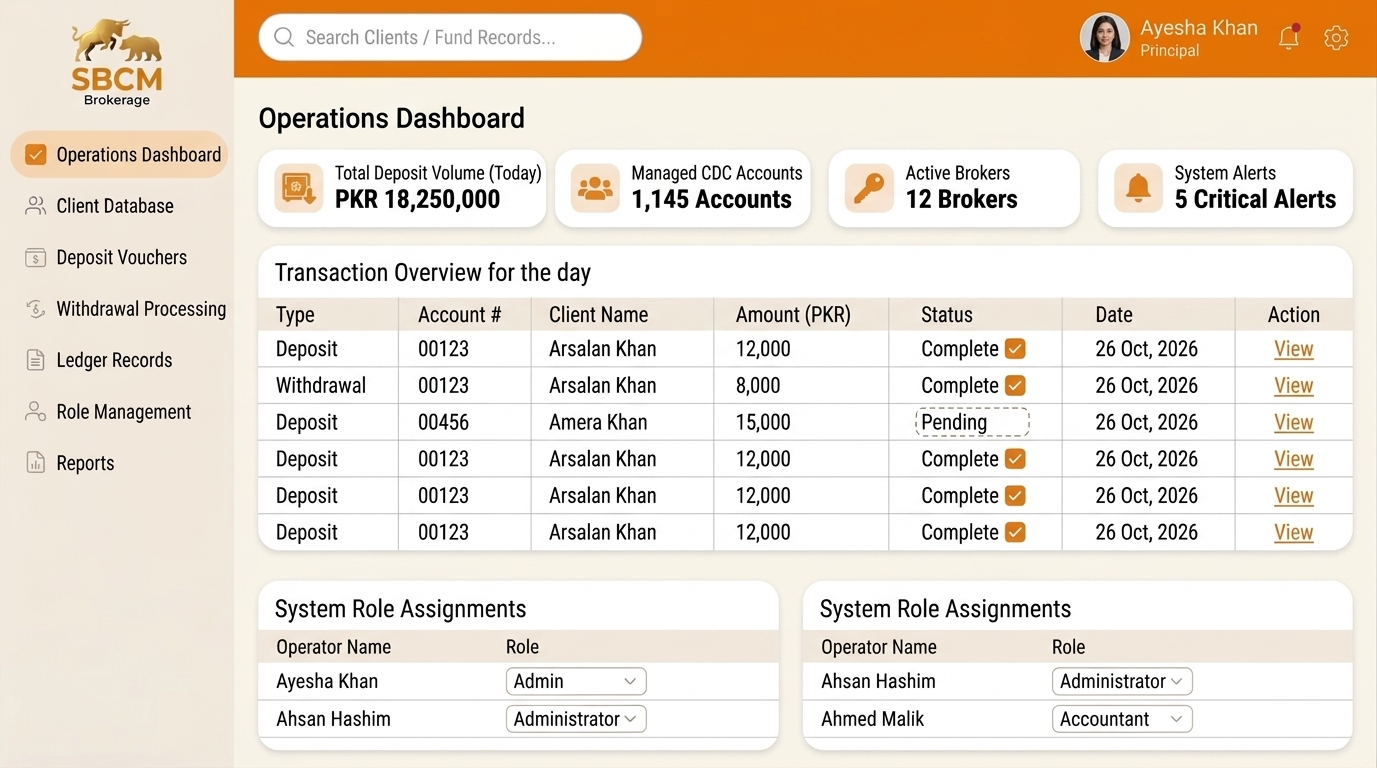
Restaurant Order Management

Restaurant Order Management

Industry: Restaurant & Food Services
Scope: Order Taking + Billing

Manage customer orders, process bills, and organize restaurant sales through a centralized point of sale system.

Request a Demo
Restaurant Inventory & Sales Reports

Restaurant Inventory & Sales Reports

Industry: Restaurant & Retail
Scope: Stock + Sales + Reports

Monitor inventory, track daily sales, and review restaurant performance through organized reports.

Request a Demo